Manage the Operational Work That Grows with Kubernetes
As your Kubernetes environment grows, there is more to monitor, validate and maintain.
CAEPE helps you find what needs attention, introduce change safely and make better resource decisions across clusters and environments.
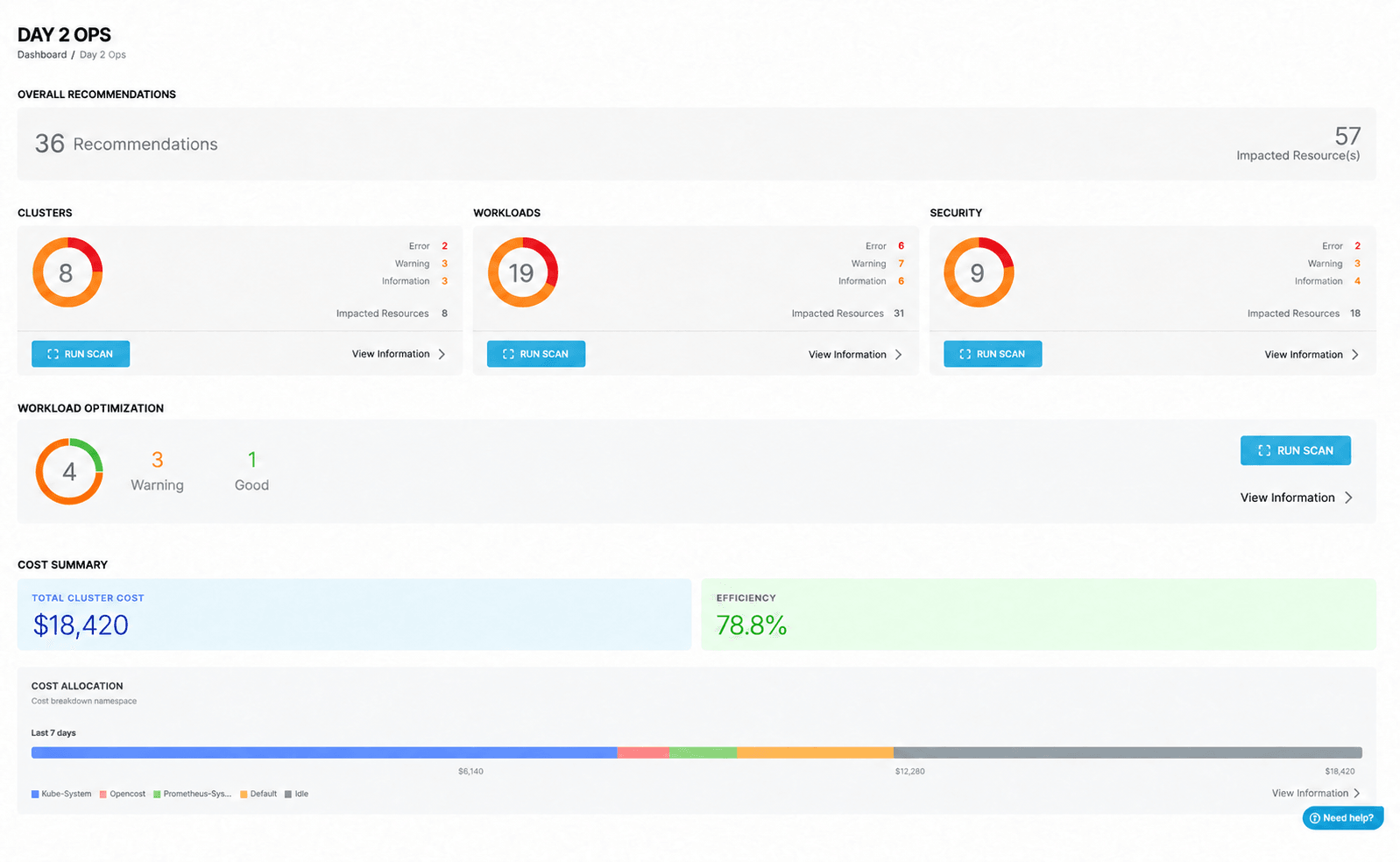
Find What Needs Attention
With more clusters and workloads to support, it becomes harder to review everything manually. Important problems can be missed, while engineers spend time searching for answers.
A workload may appear healthy while a configuration, security, infrastructure or workload problem remains hidden.
- See what is happening across clusters and workloads
- Surface configuration, security and infrastructure findings
- Review workload optimization opportunities
- Prioritize where to focus
- Investigate problems without checking every environment separately
Spend less time searching for problems and more time addressing the ones that matter.
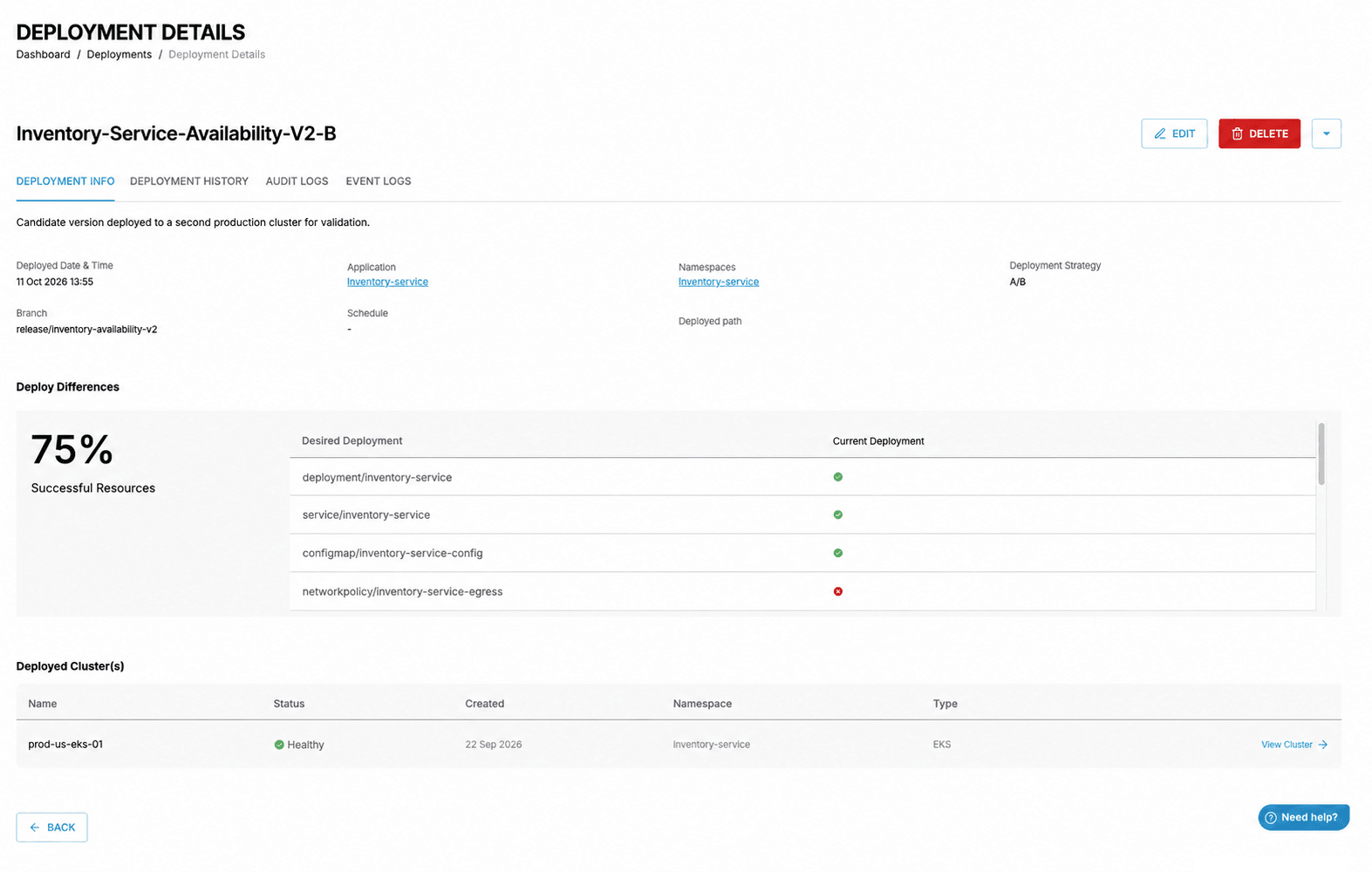
Validate More Than Whether the Change Completed
A Kubernetes upgrade or platform change can complete successfully while an application, dependency or user path is not working properly.
Changes to APIs, networking, authentication, secrets or supporting services may not be visible from deployment status alone.
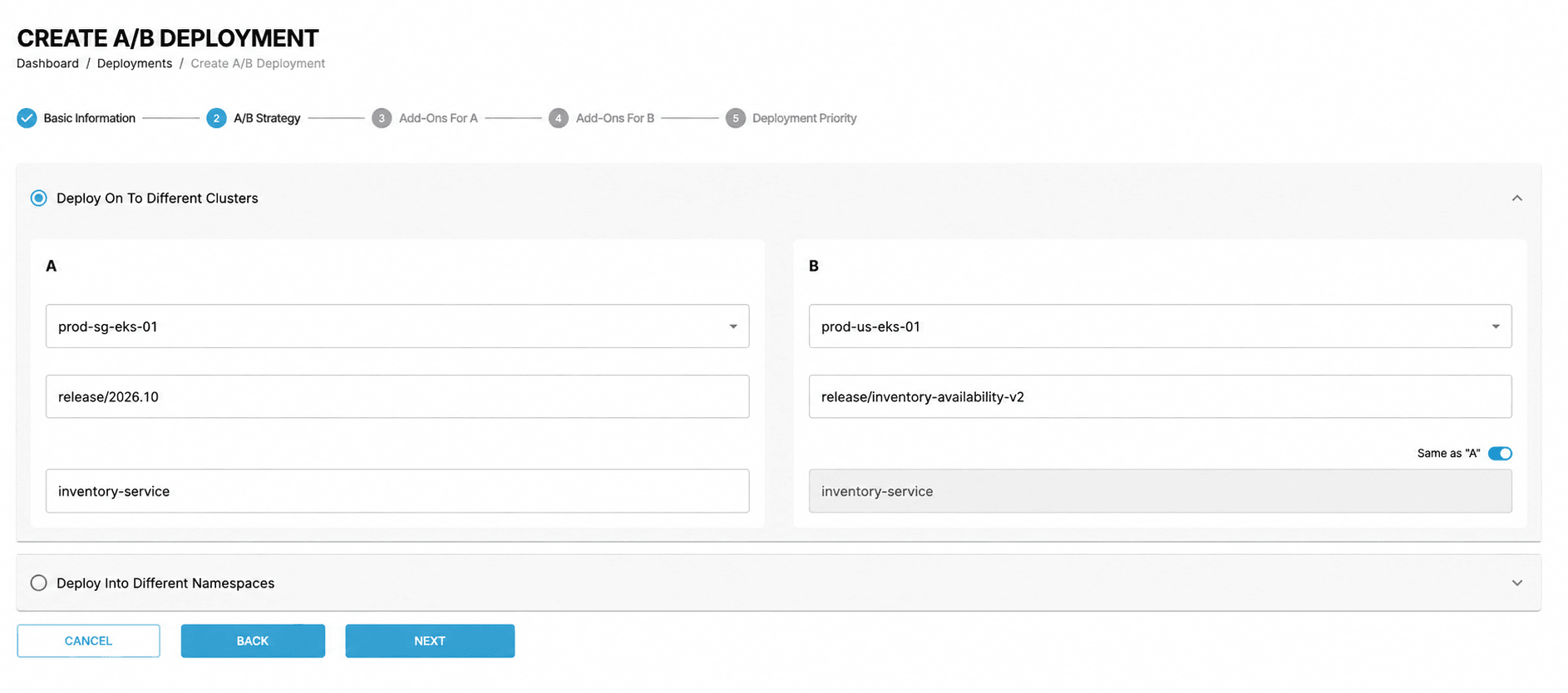
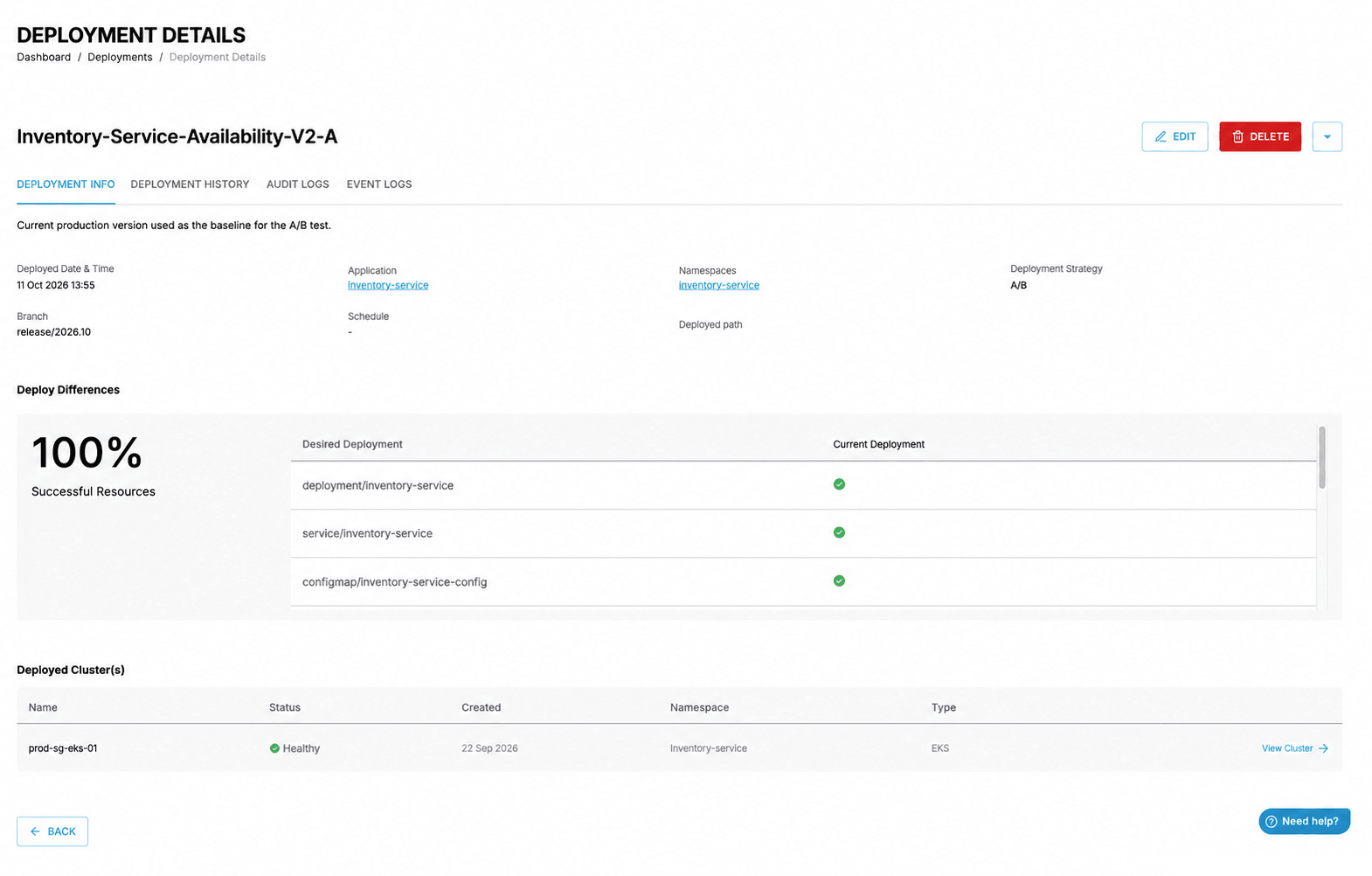
- Compare current and target environments
- Check workload compatibility before a change
- Run dry-run and pre-flight validation
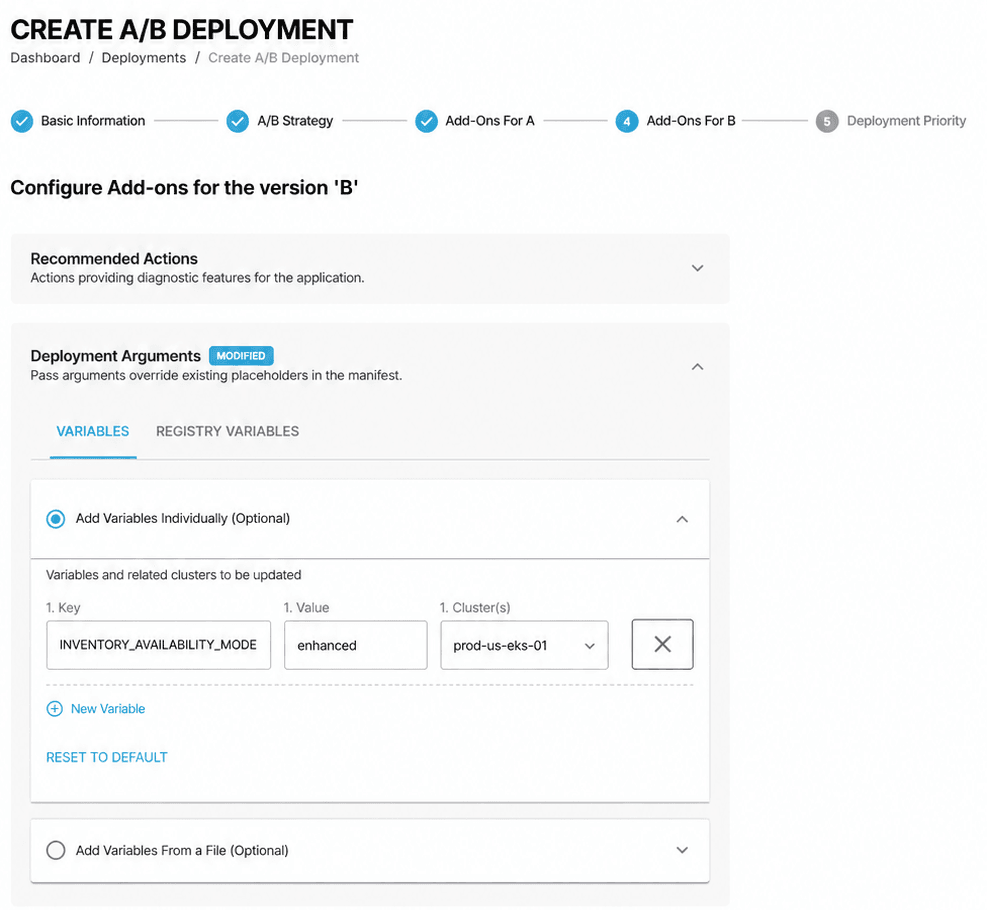
- Introduce updates through controlled rollout strategies
- Review workload and environment conditions after a change
Make upgrade and platform-change decisions using more than a successful deployment status.
Make Better Resource Decisions
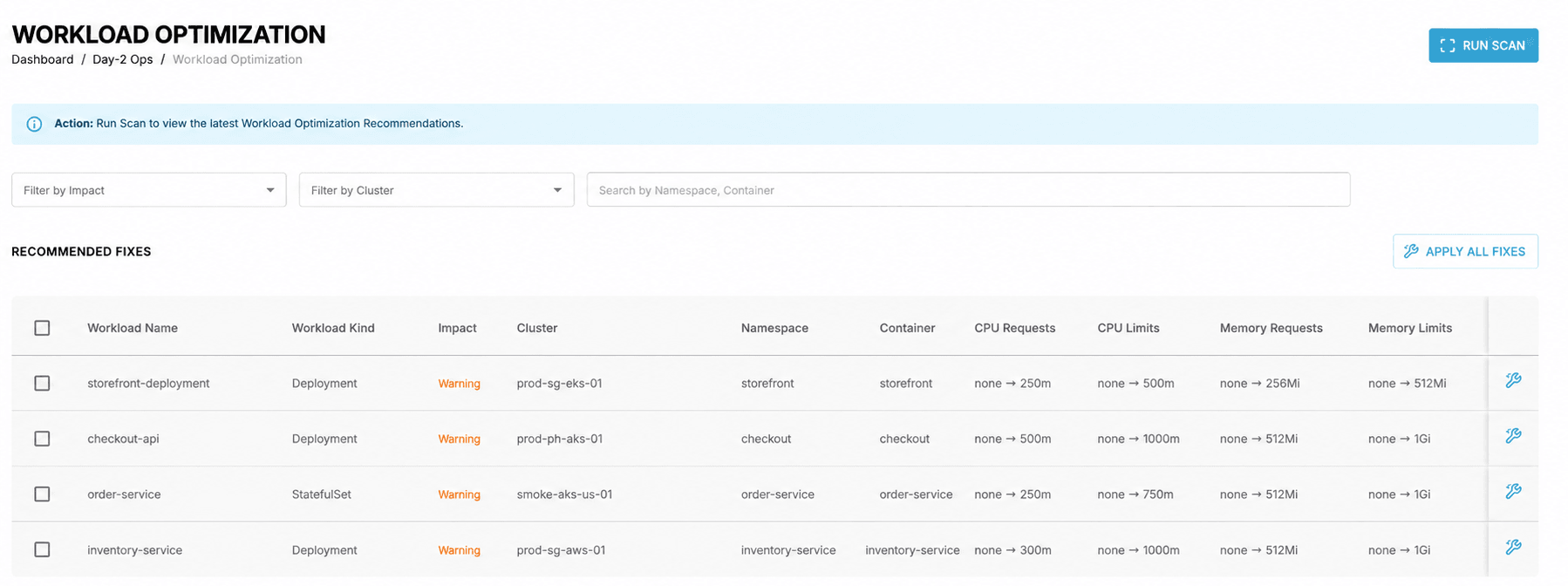
Resource requests are often set using estimates or broad safety margins. This can leave capacity unused or create performance risk.
When there are many workloads to review, finding the right ones to investigate takes time.
- Review recommended CPU and memory utilization
- Identify possible rightsizing opportunities
- Find workloads that may be over- or under-provisioned
- Focus investigation where it is most useful
- Support capacity and cost decisions with workload data
Make resource decisions using workload data, while keeping control over the changes you choose to make.
Ready to Try CAEPE?
Explore CAEPE in a ready-to-use environment, or evaluate it with your own clusters and workloads through a supported pilot.