Deploy, Operate and Optimize Kubernetes Workloads
As your Kubernetes environment grows, keeping delivery consistent, workloads healthy and changes under control becomes harder.
CAEPE gives platform teams the visibility and controls to scale operations, manage Day 2 issues and introduce change safely.
Scale Kubernetes without Losing Operational Control
More clusters mean more workloads, changes and issues to investigate. Platform teams need to move quickly, but may not have enough time or specialist capacity to review everything manually.
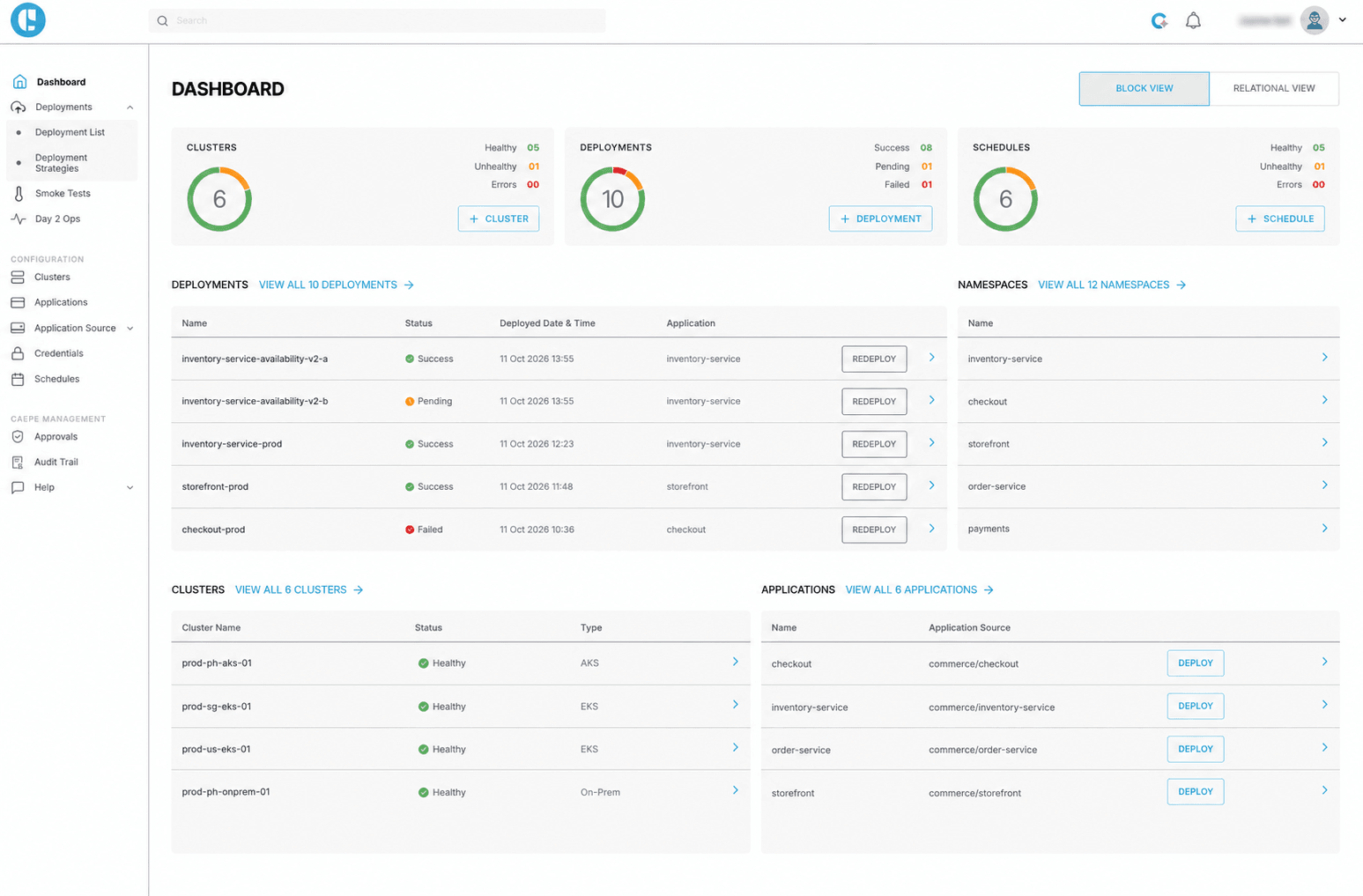
CAEPE brings deployment controls, Day 2 visibility and workload recommendations into one operating view.
Find the Issues That Need Attention
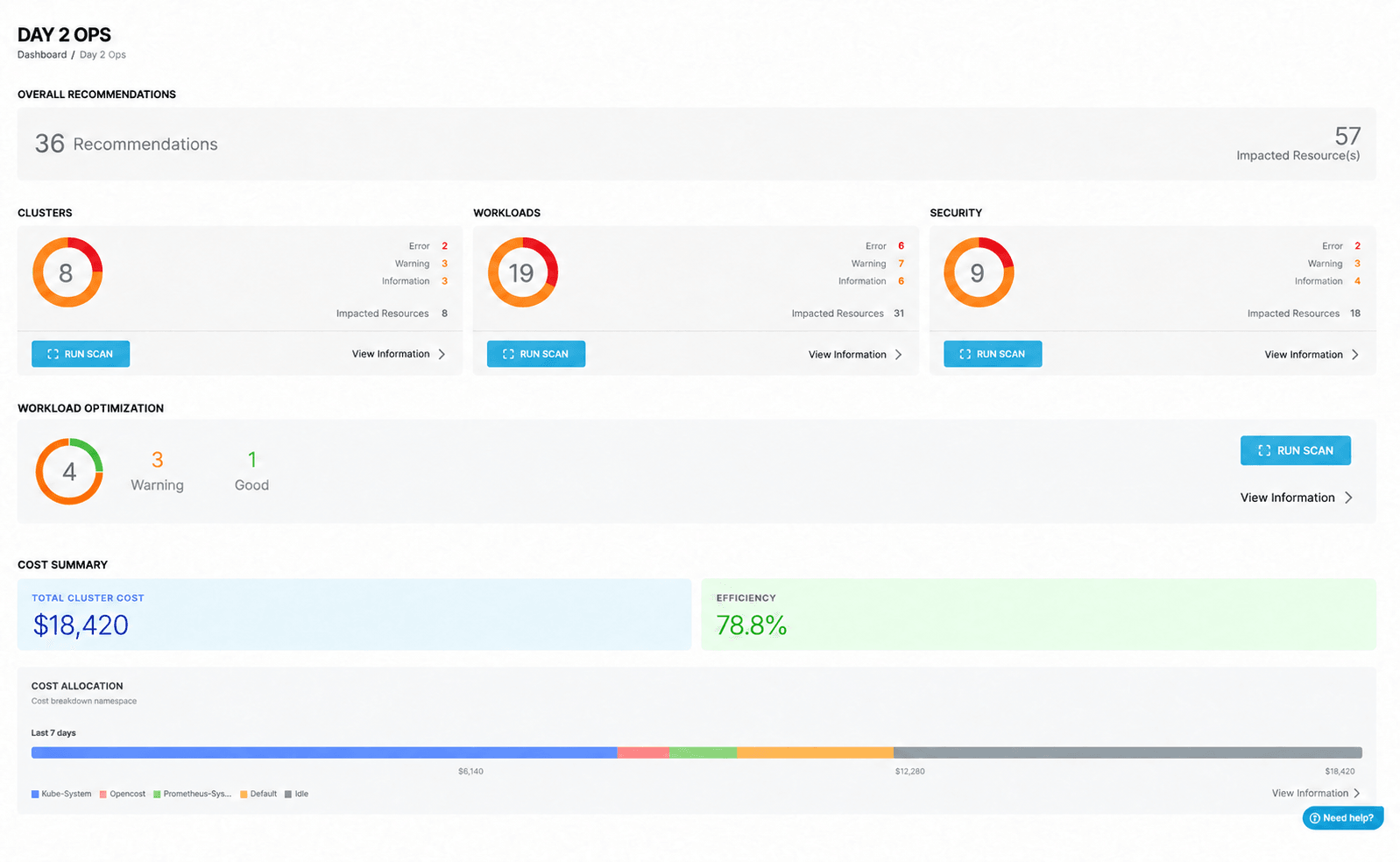
As the number of workloads increases, it is not practical to investigate every issue manually. Important problems can be missed, while engineers spend too much time searching for answers.
CAEPE analyzes clusters and workloads to identify configuration, security and resource optimization issues. Its recommendations help teams prioritize findings, review suggested fixes and, where supported, verify the results.
- See what is happening across your environments
- Find configuration and security issues
- Review workload and infrastructure recommendations
- Investigate problems across clusters
- Decide what to address first
Platform owners remain in control of the decision and the change.
Introduce Changes with Less Uncertainty
Changes that work in one environment may fail in another. Upgrades and larger releases make this harder to predict.
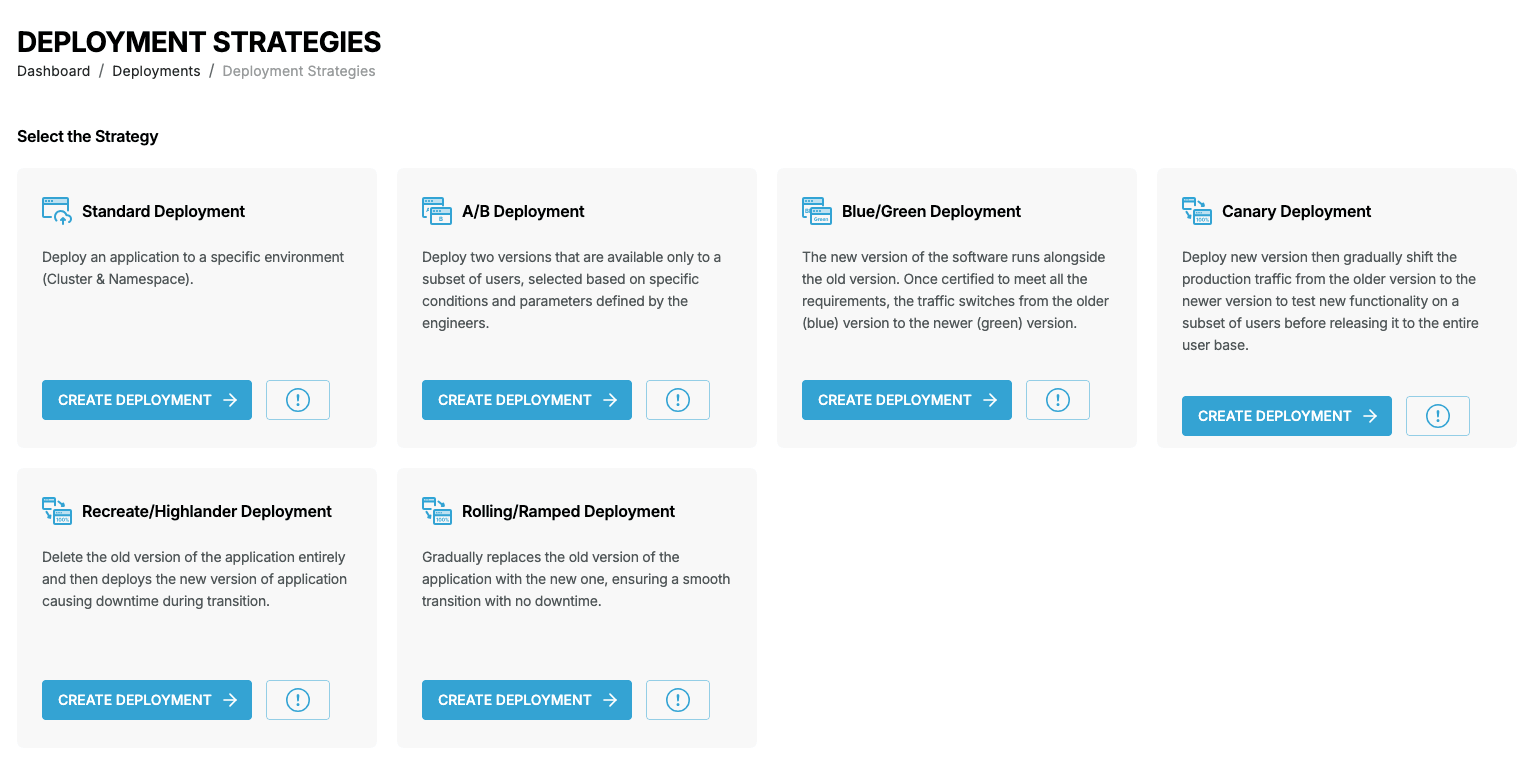
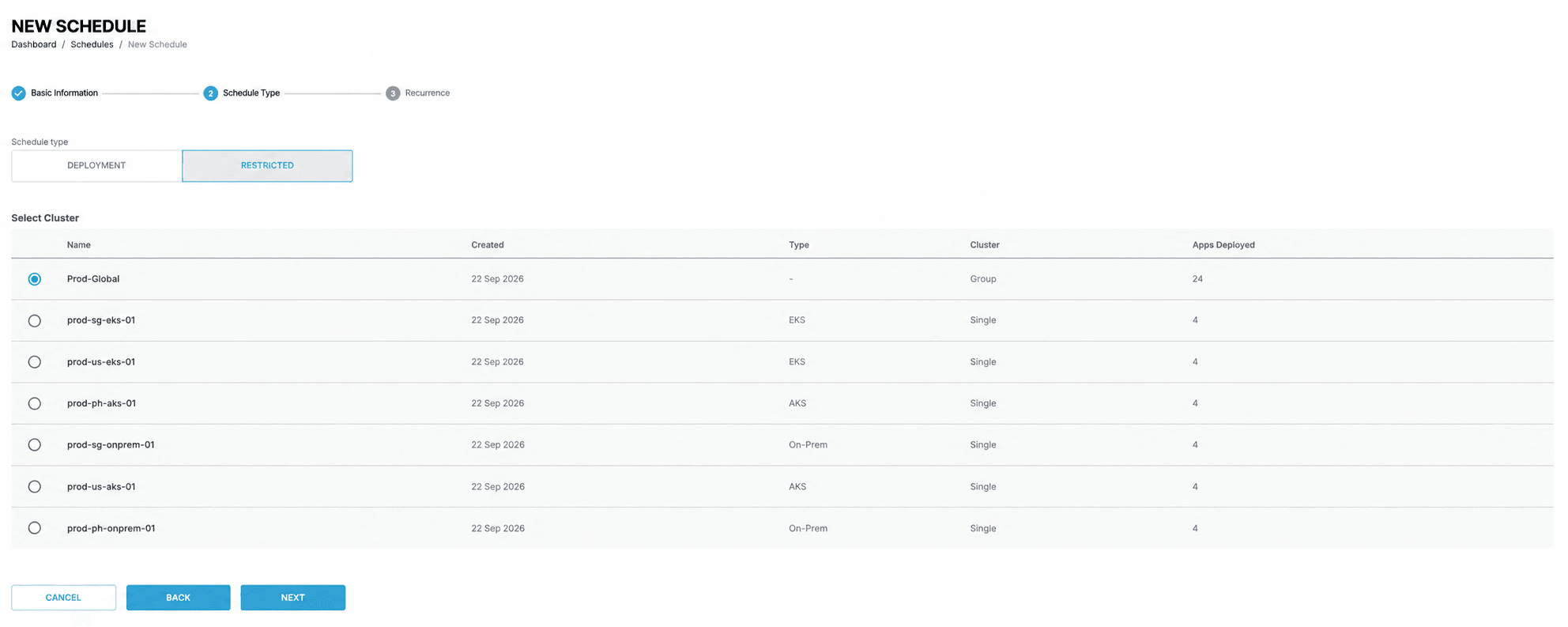
Use CAEPE to check changes before wider rollout.
- Environment comparison
- Dry-run validation
- Pre-flight checks
- A/B deployments
- Blue/green deployments
- Progressive delivery
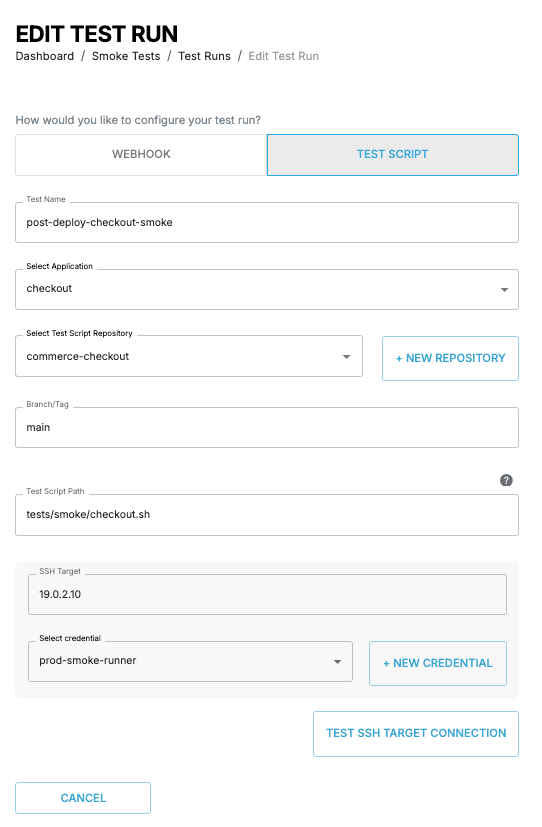
- Health and smoke checks
Teams can spot problems earlier and introduce changes in a more controlled way.
Make Better Resource Decisions
Capacity, performance and cost are connected. But resource requests are often based on estimates, and reviewing every workload takes time.
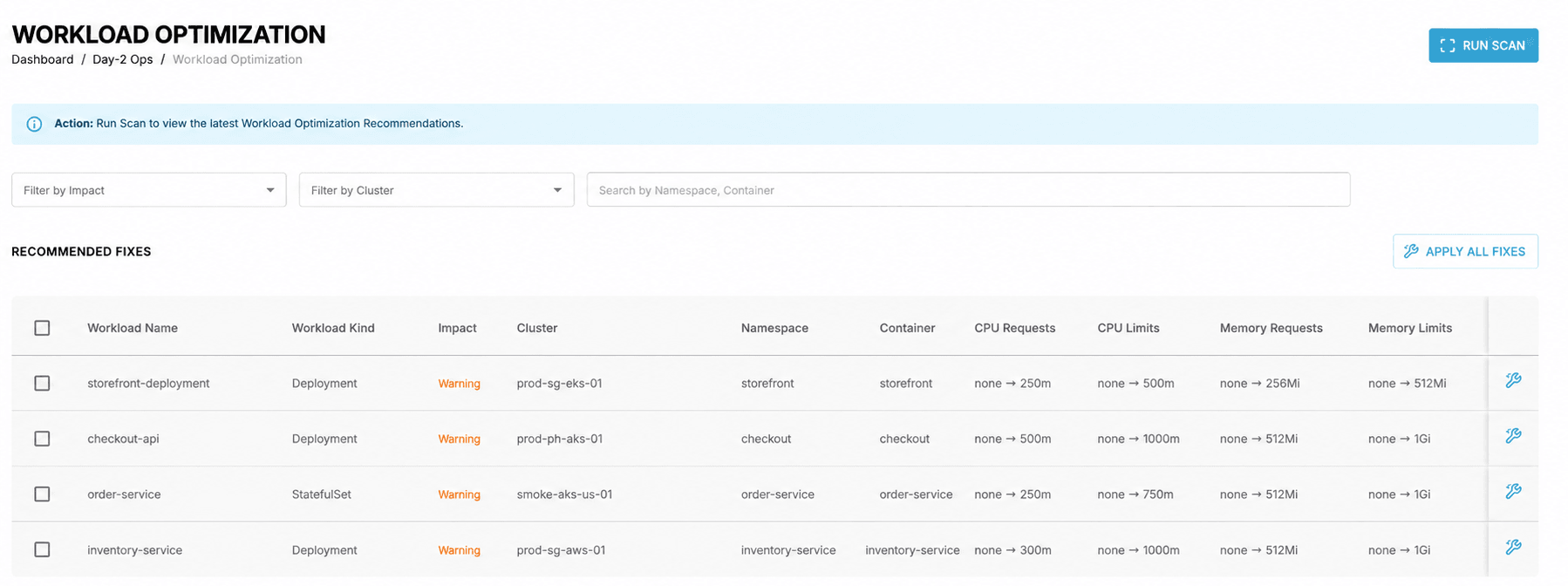
CAEPE uses observed workload data to help teams review and adjust:
- Review CPU and memory use
- Identify possible rightsizing opportunities
- Find workloads that may be over- or under-provisioned
- Understand where resources may be wasted
Engineers can use this information to guide the changes they choose to make.
Operate Consistently Wherever Kubernetes Runs
Platform teams often support clusters across public cloud, private cloud, on-premises, edge or air-gapped environments. This makes it harder to apply the same operational practices everywhere.
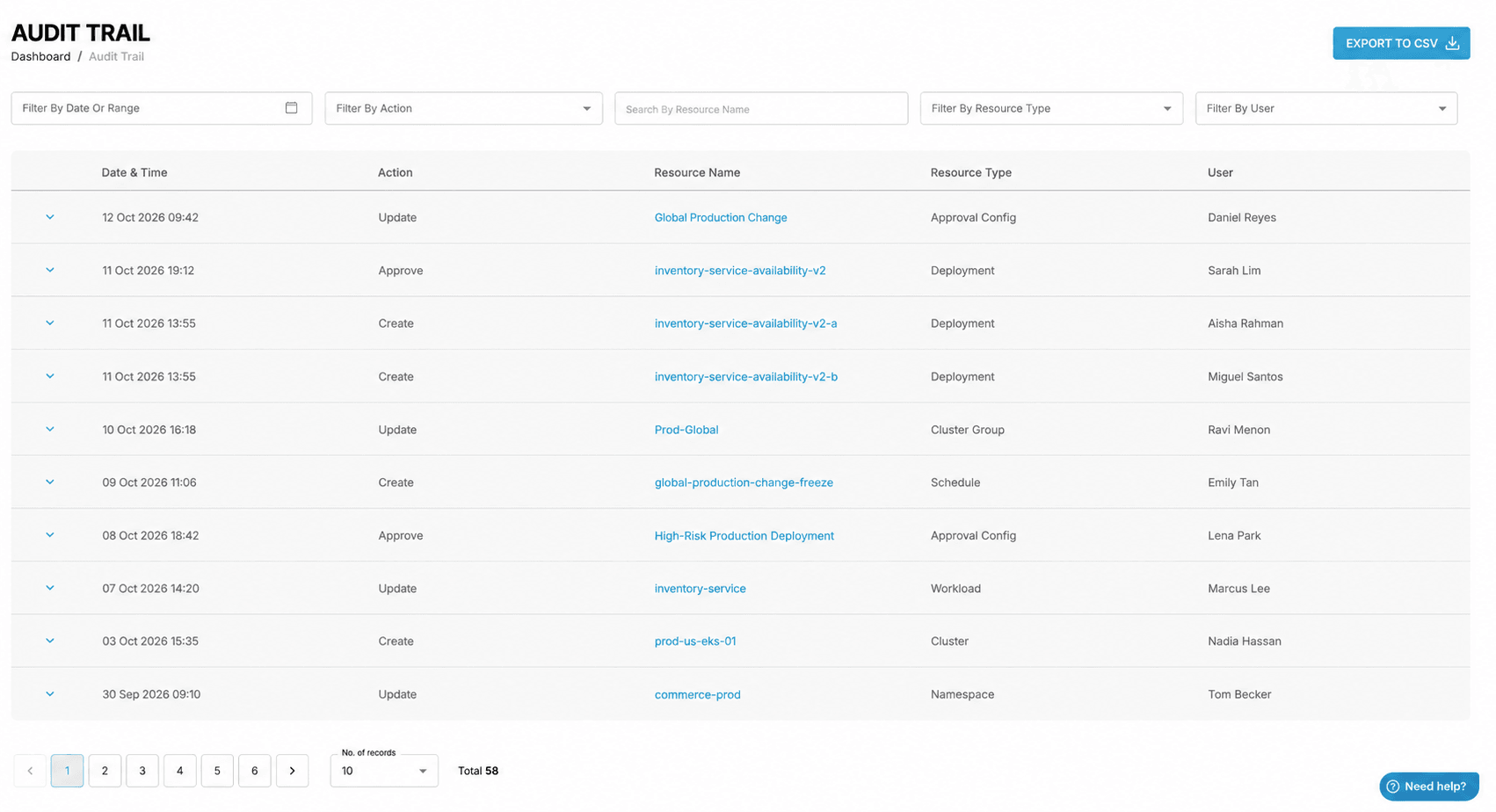
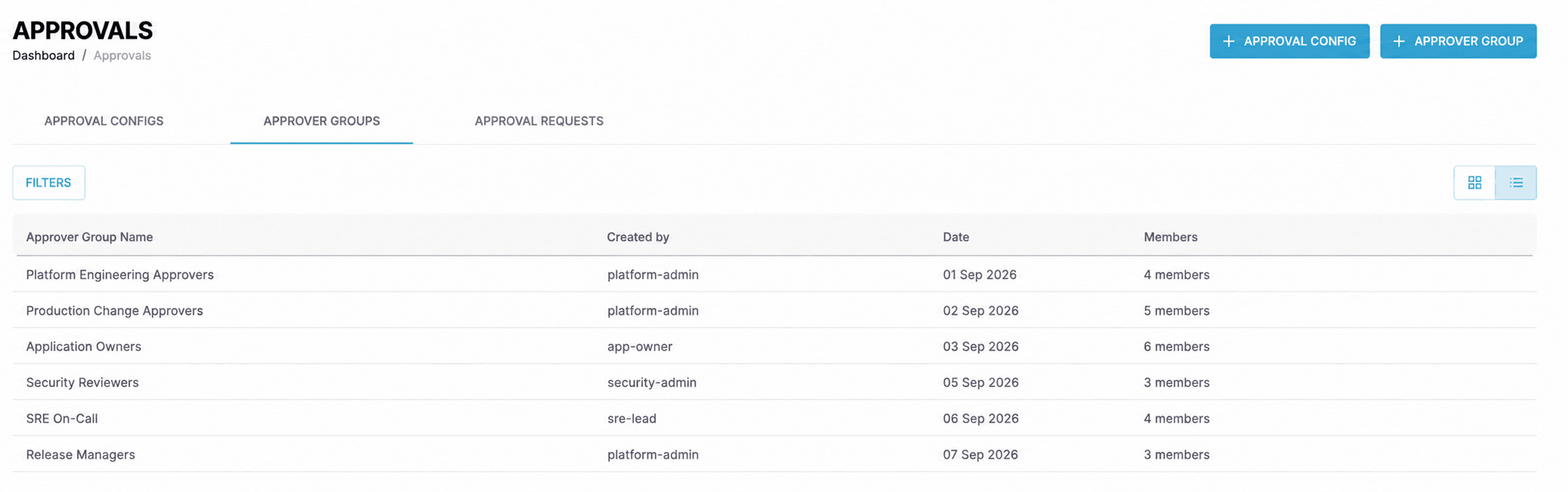
CAEPE provides a common view and consistent controls for workloads running in different environments.
- Multi-cluster visibility
- Role-based access controls
- Approval controls
- Audit logs
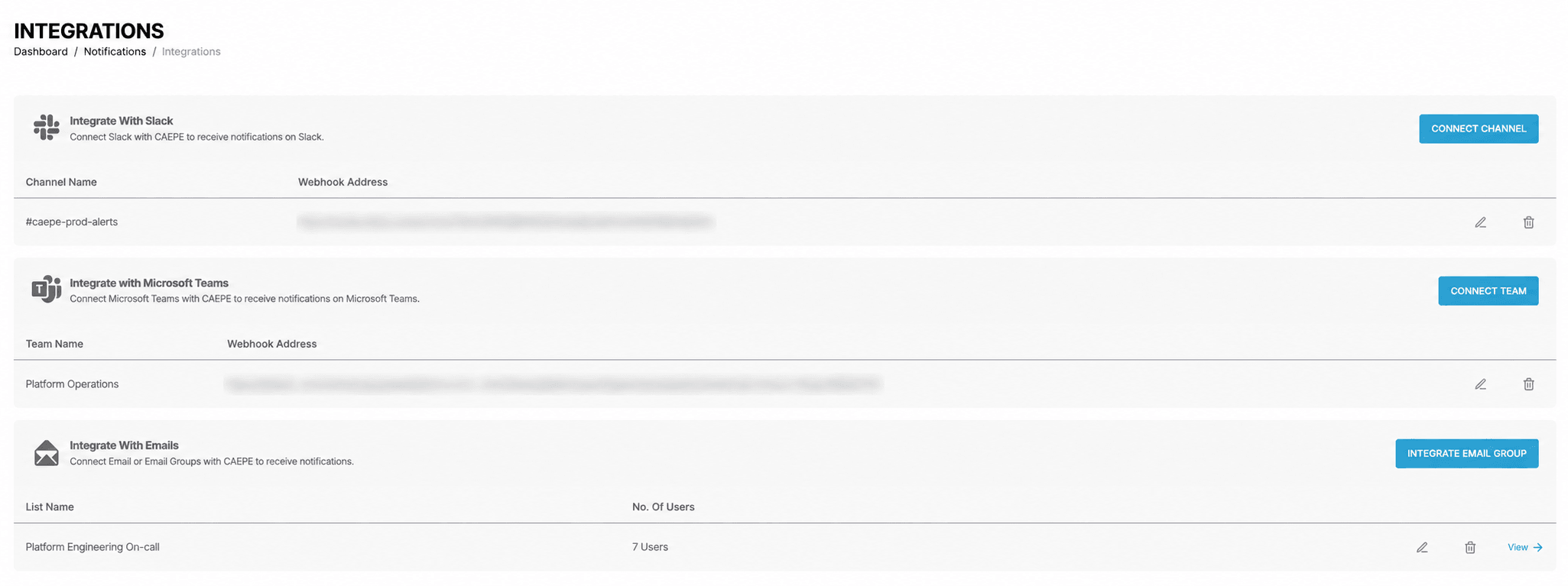
- Notifications
- SaaS or on-premises deployment options
Platform owners can apply consistent practices without moving every workload into the same environment.
Add Operational Insight to Your Existing Stack
Delivery, infrastructure, monitoring and security tools each handle part of the work. Teams still need to understand what is happening across workloads and decide what to address.
Use CAEPE to:
- Validate changes before deployment
- Understand workload and environment health
- Review issues across clusters
- Support troubleshooting and operational decisions
CAEPE adds an operational view without requiring teams to replace their existing tools.
Ready to Try CAEPE?
Explore CAEPE in a ready-to-use environment, or evaluate it with your own clusters and workloads through a supported pilot.